
Reference

Open your tk7191 account from any device

Our mobile app sits on your home screen and gives you quick reach to every slot, live table and cricket market we run.

Mobile browser readyDevice compatibility checkInstant account loginPush notification support
tk7191 Open your tk7191 account from any device

Speed, biometrics and push alerts

We built the app around the friction points that slow down mobile play. Biometric login replaces the OTP wait, push notifications tell you the instant your withdrawal clears, and dark mode keeps late-night sessions comfortable without glare.

Fingerprint login

Skip the OTP step and unlock your account with your fingerprint or face scan. Once you enable biometrics in settings, the app remembers your device and logs you straight into the lobby.

Push notifications

Get an alert the moment your bKash or Nagad deposit clears, when a bet settles, or when a promo launches. You control which events trigger a ping in notification settings.

Dark mode

Switch to dark mode from the app menu and the interface shifts to deep navy with low-glare text. Easier on your eyes during long sessions and saves battery on OLED screens.

Offline lobby preview

Game tiles cache in the background so you can browse the slot lobby even when your connection drops. Tap a game and the app waits until signal returns before loading the session.

DEVICE CHECKLIST

What your device needs

Our app runs on most Android and iOS devices released in the last few years, but performance depends on your browser version and connection speed. Check the list below to confirm your setup meets the requirements before you install.

Method Payout time Speed
Browser support Chrome 90 or later, Safari 14 or later, Samsung Internet 14 or later. Edge and Firefox also work; Opera Mini does not support all features. Fast
Screen layout Designed for phones and tablets with screens between 5 and 12 inches. Portrait mode prioritises the lobby and betslip; landscape mode suits live tables and video slots. Fast
Account requirements You need an active tk7191 account to log in. If you have not registered yet, complete signup on desktop or mobile before enabling biometric login. Medium
Notification permissions Push alerts require notification permission, which your browser requests the first time you log in. Grant it to receive deposit confirmations and bet-settlement updates. Medium
Checking device status If a game fails to load or the betslip does not refresh, clear your browser cache and restart the app. Contact support if the issue persists after clearing cache. Slow
tk7191 Mobile access in three steps

Mobile access in three steps

We keep the setup simple so you can reach the lobby in under a minute. Visit our site from your phone's browser, check that your device meets the compatibility requirements listed below, then log in with your account credentials. The browser version works on both Android and iOS, and you can add a shortcut to your home screen if you want one-tap

access. Once you sign in, head to settings and enable biometric login so the app unlocks with your fingerprint next time. Push notifications switch on automatically, but you can adjust which alerts you receive in the notification menu.

  • Open the site — Visit tk7191 from your mobile browser. Chrome, Safari and Samsung Internet all work; the lobby adapts to portrait or landscape as soon as the page loads.
  • Check compatibility — Make sure your browser supports JavaScript and cookies. Most phones from the last four years meet the requirements; see the compatibility checklist below for specifics.
  • Sign in securely — Enter your account credentials or request an OTP if you prefer passwordless login. Once inside, enable fingerprint unlock from settings so future visits skip the password step entirely.

tk7191 Slots, tables and betslip on the move

Slots, tables and betslip on the move

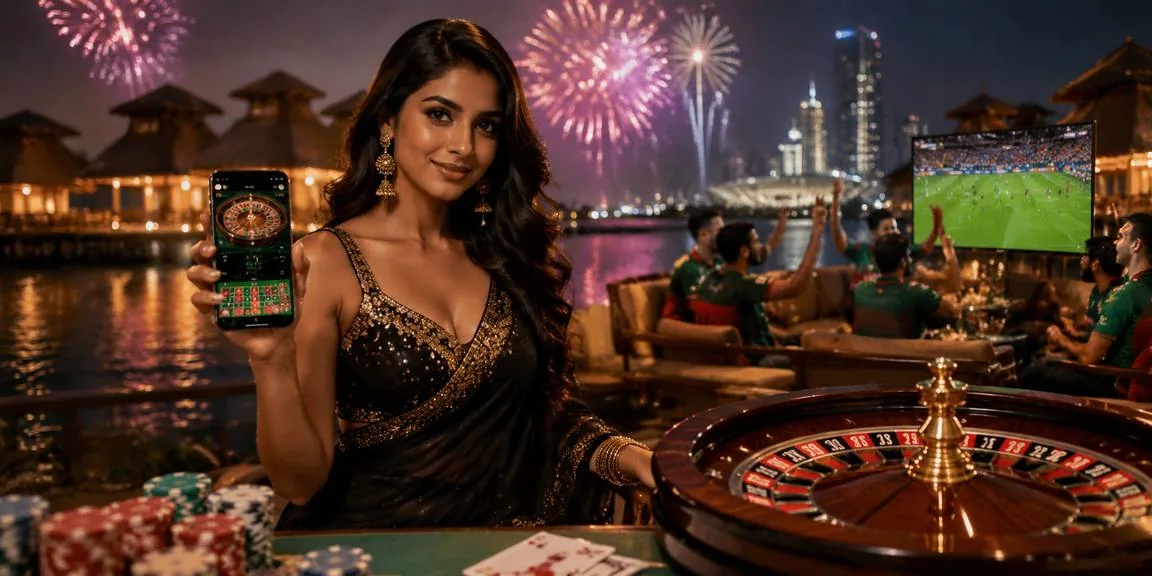
The tk7191 app puts Gates of Olympus, Aviator and every other slot in your lobby one tap away. Live baccarat and roulette stream in portrait or landscape, and the sportsbook loads cricket markets for IPL and BPL as soon as they open. Push alerts arrive the moment your bKash deposit hits your wallet, and dark mode keeps the screen easy on your

eyes when you play after hours. Fingerprint login replaces the OTP step so you reach the lobby in seconds. Offline lobby preview caches game tiles so you can browse even when the train enters a tunnel, then reload once signal returns.

Common mobile access questions

No. Our mobile platform runs directly in your browser, so there is no app-store download required. Visit tk7191 on your phone, log in, and you are ready to play.

Yes. In Chrome or Safari, open the browser menu and select Add to Home Screen. The icon appears alongside your other apps and opens the lobby with one tap.

Yes, as long as your device supports biometric authentication and your browser is up to date. Enable it in account settings after your first login, and the app will unlock with your fingerprint or face scan.

Yes. Push alerts arrive the moment your payment processes, when a bet settles, or when a promo starts. You control which events trigger notifications in the app settings menu.

Yes. The lobby keeps slots, live casino and sportsbook in separate tabs so you can jump between them instantly. Your session stays active across all three categories.

The app caches your session state, so when your connection returns the game resumes from the last completed spin. If a round was interrupted, it completes automatically and your balance updates accordingly.
Reference

tk7191 App

Service availability depends on eligible regions and local law. Users should check local rules before opening an account.

Access may be available only where local law permits.